
How I Track My Habits Automatically
Building a habit is hard, but tracking those habits is even harder. So many times I started tracking my habits only to fail later. So I decided to automate this process and track my habits automatically using the Apple Shortcuts app and Cloudflare Workers.
For this, I created a new page /habits/check out this page where everyone can see my habits and my discipline. I hope this creates more transparency, accountability, and gamifies the process. What I did is simple: I created an API for habit tracking and used the Apple Shortcuts app to mark habits as complete.
How I Track Each Habit
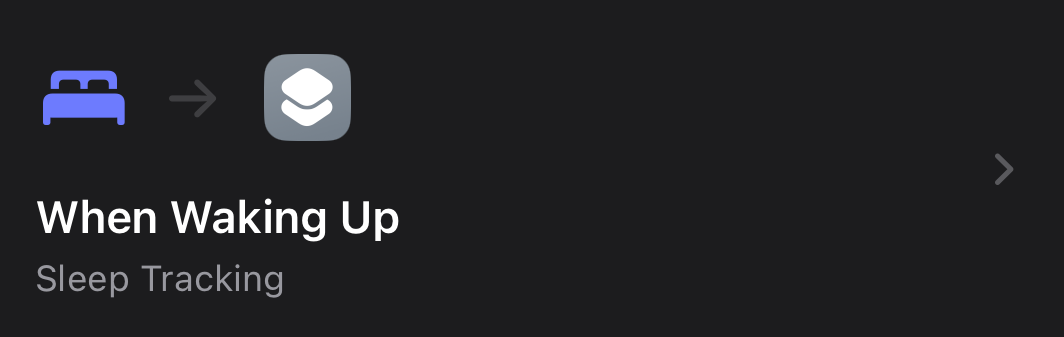
Let’s start with 7hr Sleep. To track this, I created an automation that runs when I wake up in the morning. It collects sleep data from Apple Health (which is already tracked with my Apple Watch) and checks if last night’s sleep was more than 7 hours. If so, it marks the habit as completed through the API.
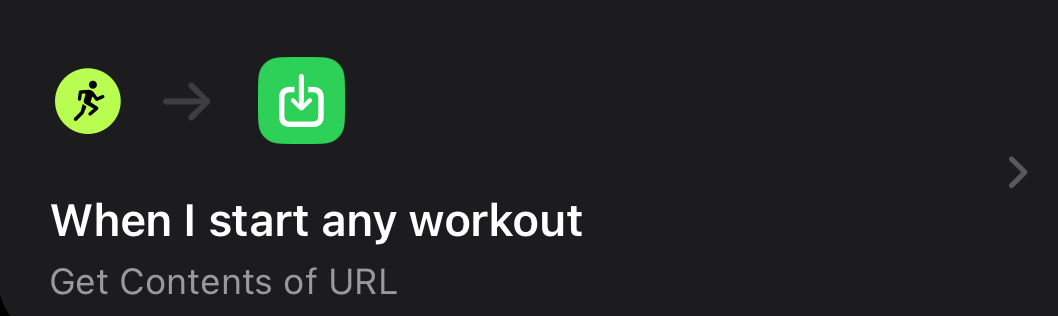
For workout tracking, I created another automation in the Shortcuts app that triggers when a “New Workout Started” event occurs on my Apple Watch. It then marks the workout habit as completed using the API.
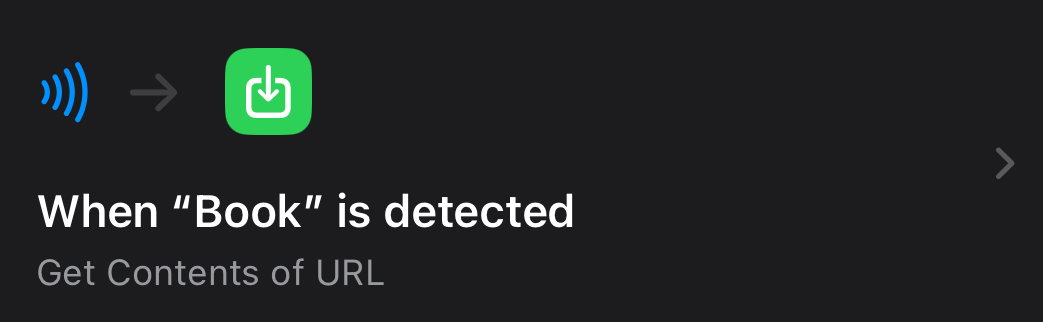
Tracking my reading habit was a little tricky since I read physical books and I’m not a big fan of ebooks. I was stuck on this for a while, but then I got an idea. I have an NFC card, and the Apple Shortcuts app has a trigger that starts an automation when a specific NFC card is tapped on an iPhone. So I started using that NFC card as my bookmark. previously, I used a normal piece of paper for this purpose. We don’t need to program these NFC tags; the automation triggers just by touching the NFC card, that’s all.
For this, you can use unused ATM card, as most cards now have NFC built in.For this, you can use unused ATM card, as most cards now have NFC built in.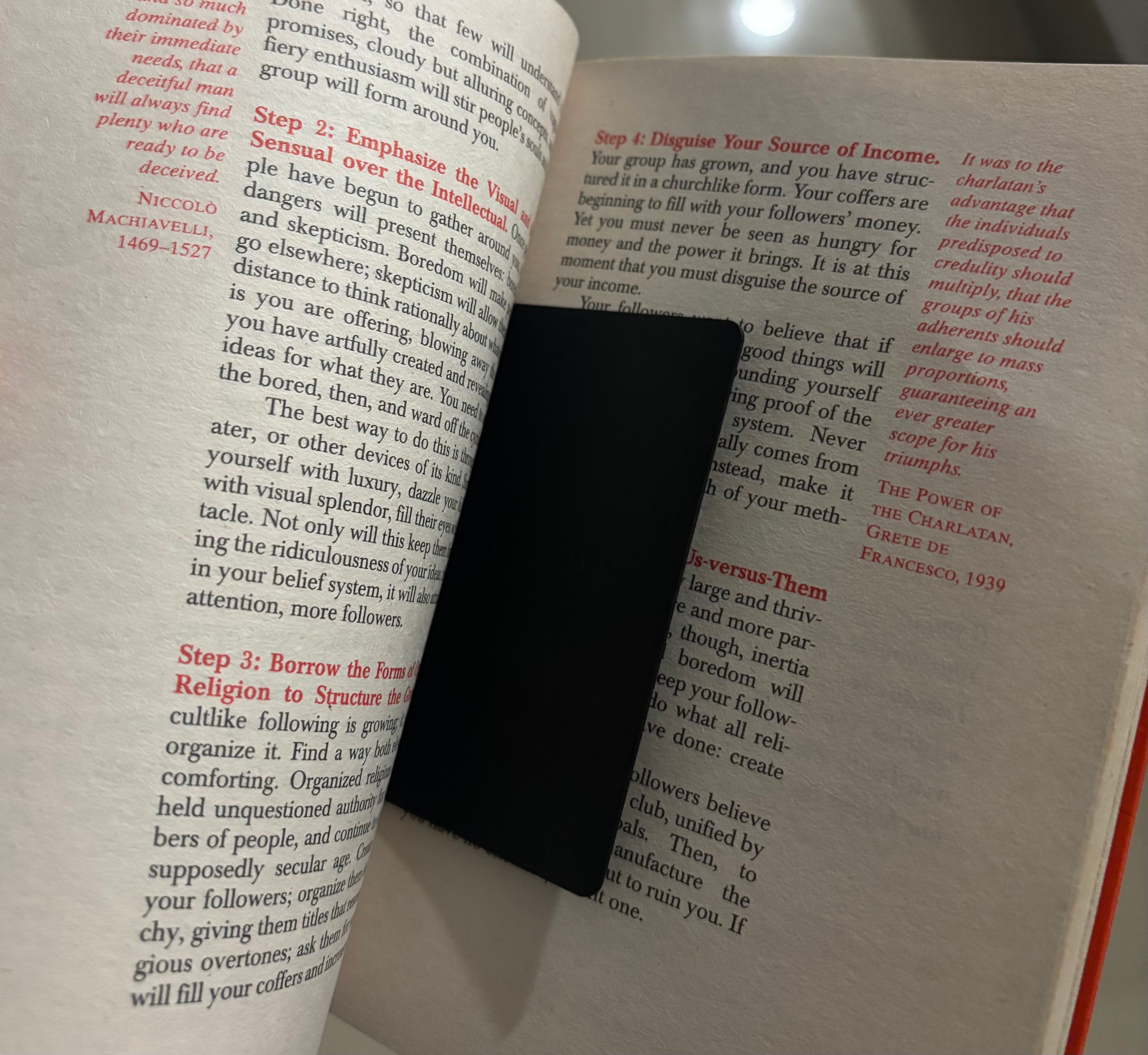
For community tracking, I created a Cloudflare Worker that checks my community profile and looks for any new posts on that day. If there’s a new post, it marks the habit as completed; otherwise, it’s considered incomplete.
For tracking my deep work habit, I created an iPhone/iPad widget using the Scriptable iOS app. The widget includes Play and Pause buttons. Whenever I start a deep work session, I simply press Play to begin the countdown timer. Once the timer reaches 00:00:00, the widget automatically marks my deep work habit as completed.
Additionally, I’ve created iphone/ipad widget that display my habit progress.
I’ve been using this method for the last one month, and it feels great. I just need to complete the task, and it automatically gets tracked. Since it’s publicly available, I feel more accountable. I hope this will help me become better and more disciplined. I’ll update this post later to share my progress.